

Change your profile picture
- Go to Settings.
- Open Account → Profile.
- Next to Profile picture, select Upload.
- Pick any image. It is cropped to a square and resized to 256x256 before it is uploaded.
Change your password
Open Settings → Account → Security and select Change password. Enter the current password, choose a new one, and confirm it. The new password must be between 8 and 128 characters. Accounts that sign in only through a provider or passwordless email do not have a current password to change here. If you forgot an existing password, use Forgot password? on the password sign-in form. Reset emails require SMTP and local sign-in to be enabled by your instance operator. Reset links expire after one hour; completing a reset revokes existing sessions.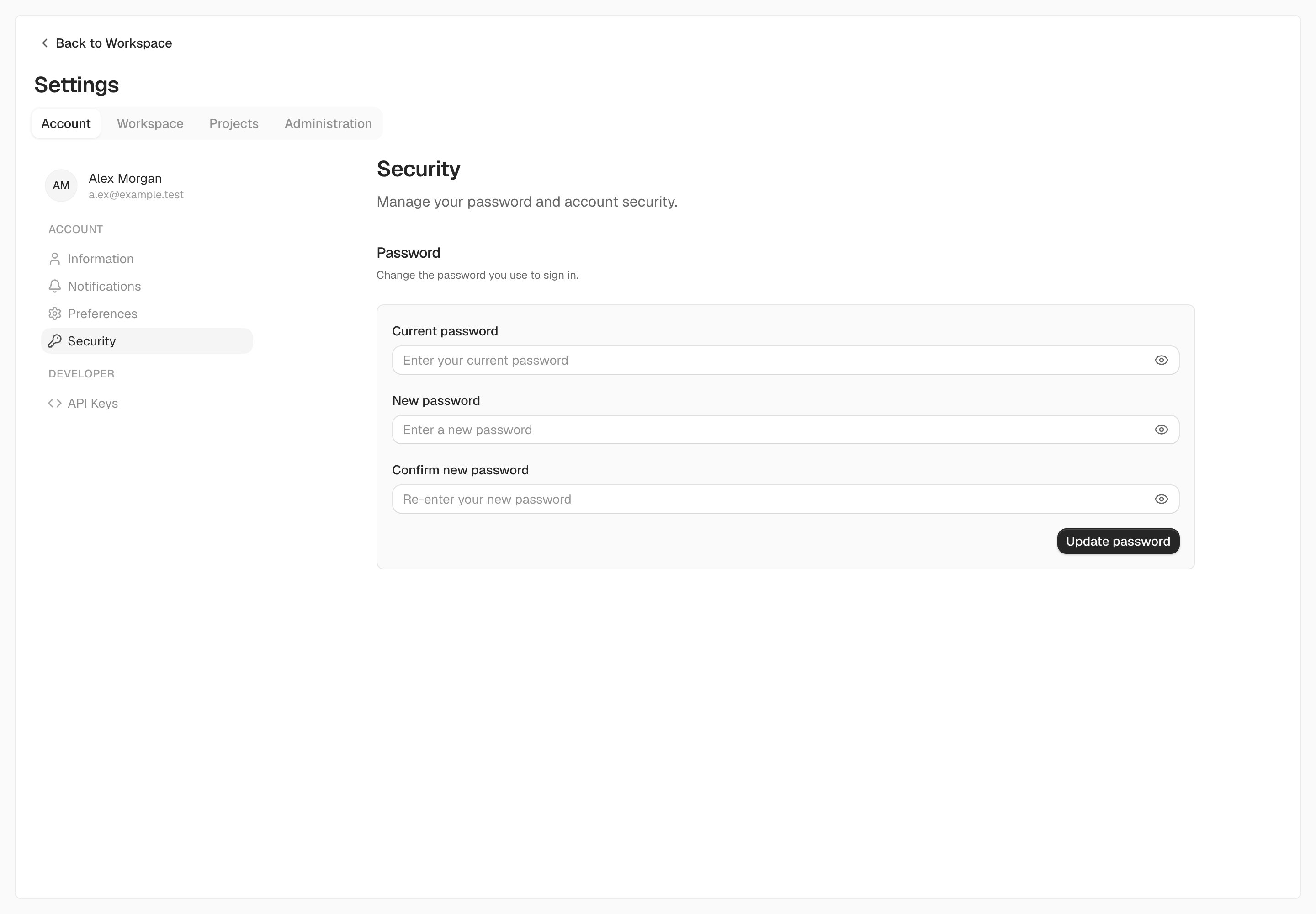
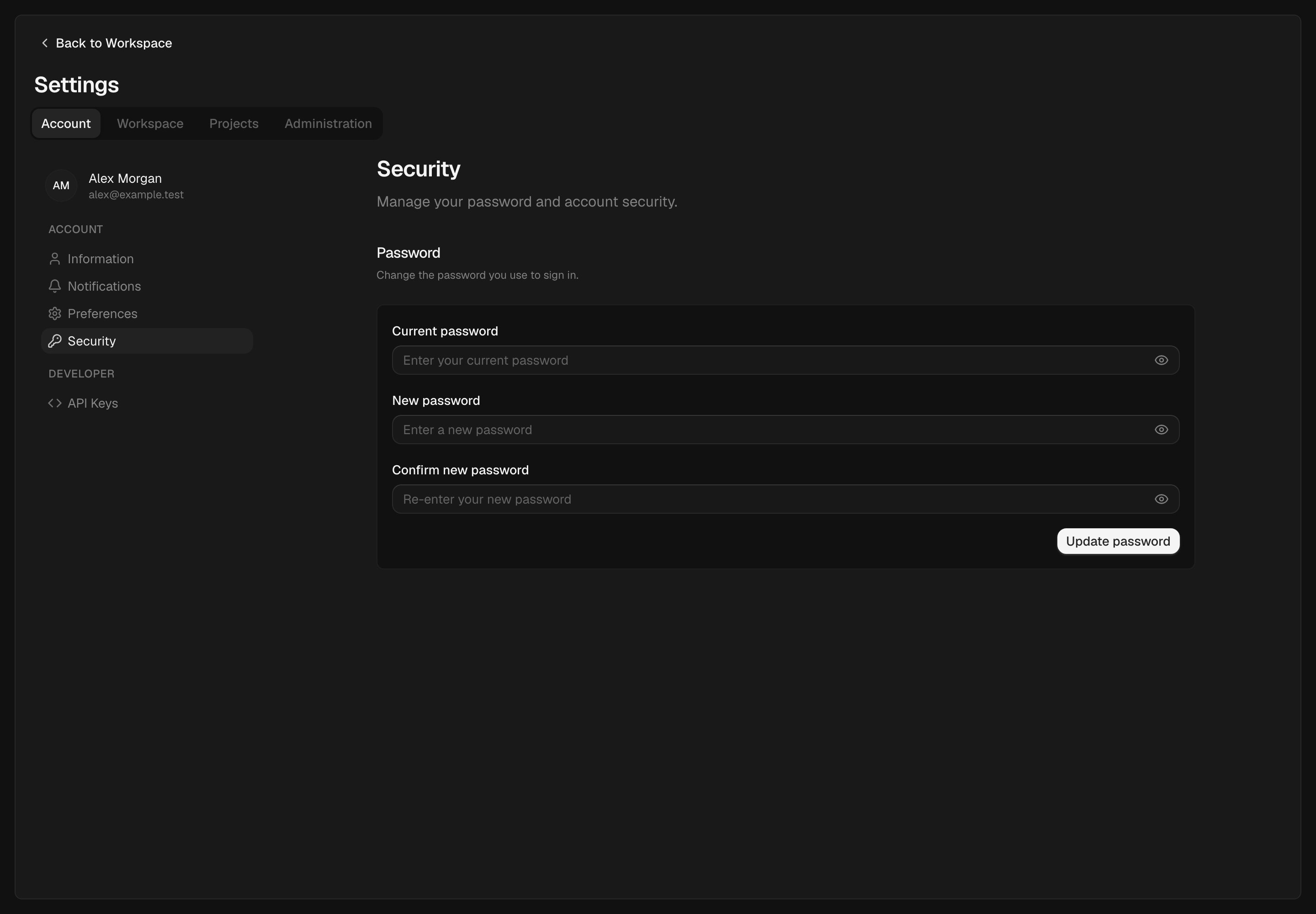
Accounts with a password can change it under Account → Security.
API keys
Open Settings → Account → API keys to create or delete credentials for scripts and integrations. Follow API authentication before using a key.Delete your account
- Go to Settings.
- Open Account → Profile.
- Under Danger zone, select Delete account.
- Type your email address to confirm, then select Delete account.
What happens to your data
- Workspaces where you are the only member are deleted along with everything in them.
- In workspaces shared with other people, you are removed as a member. Tasks assigned to you stay and become unassigned, and time you logged stays on those tasks.
- Comments you wrote are removed.
- Your API keys and sessions are revoked.
When deletion is refused
- You are the only owner of a shared workspace. Transfer ownership from Settings → Workspace → General, or delete the workspace first.
- A workspace still has an active subscription. Cancel it under Settings → Workspace → Billing first, so you are not charged for a workspace you can no longer reach.
- You signed in a while ago. For security, sign out and sign back in, then try again.
On Kaneo Cloud, a free trial is tied to your email address. Deleting your account and signing up again does not start a new trial.