

Repositories
GitHub
Sync issues and comments, link pull requests, and automate task status.
Gitea
Connect your Gitea server for issue sync and workflow automation.
GitLab
Connect GitLab.com or your own instance to sync issues and track merge requests.
Limit repository sync by label
Enable Advanced settings in Account → Preferences or Workspace → General, then open a connected GitHub, Gitea, or GitLab integration. Workspace settings managers can edit its Sync scope. The saved rules apply to everyone in the project; turning advanced mode off only hides the editor.- Kaneo → repository selects workspace labels by stable ID. Match any selected label or require all of them. The preview shows matching tasks, new exports, and affected links before you apply the rule.
- Repository → Kaneo selects exact repository label names for new tasks and imports. Existing linked tasks follow the Kaneo rule. Adding a qualifying repository label can admit an issue that was previously excluded.
Team notifications
Send selected project events to a shared channel. Open Settings → Projects → your project → Integrations to connect these services.Slack
Post task updates to a Slack channel through an incoming webhook.
Discord
Send task activity to a Discord channel.
Mattermost
Connect an incoming webhook on your Mattermost instance.
Telegram
Send updates through a bot to a chat, group, channel, or forum topic.
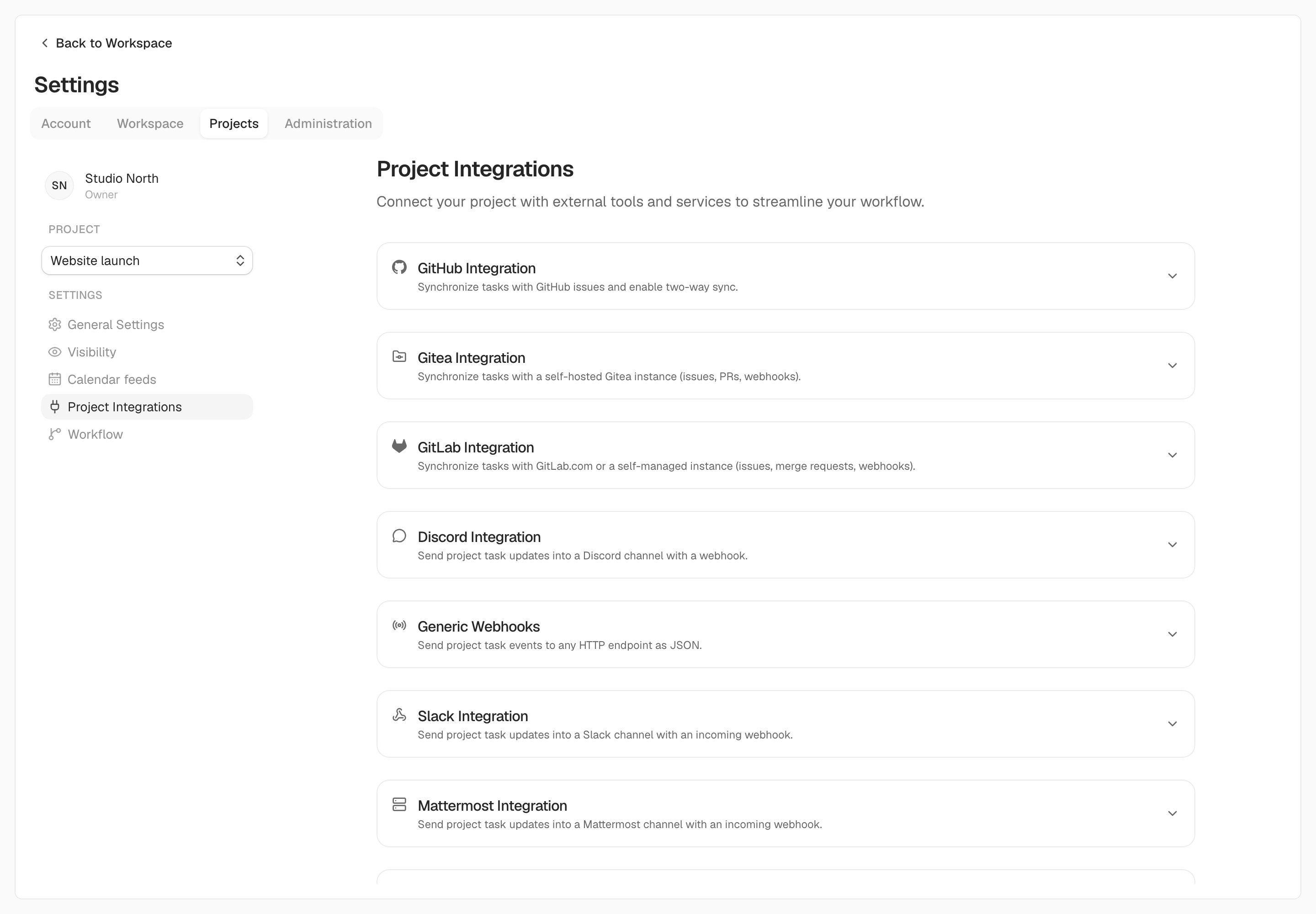
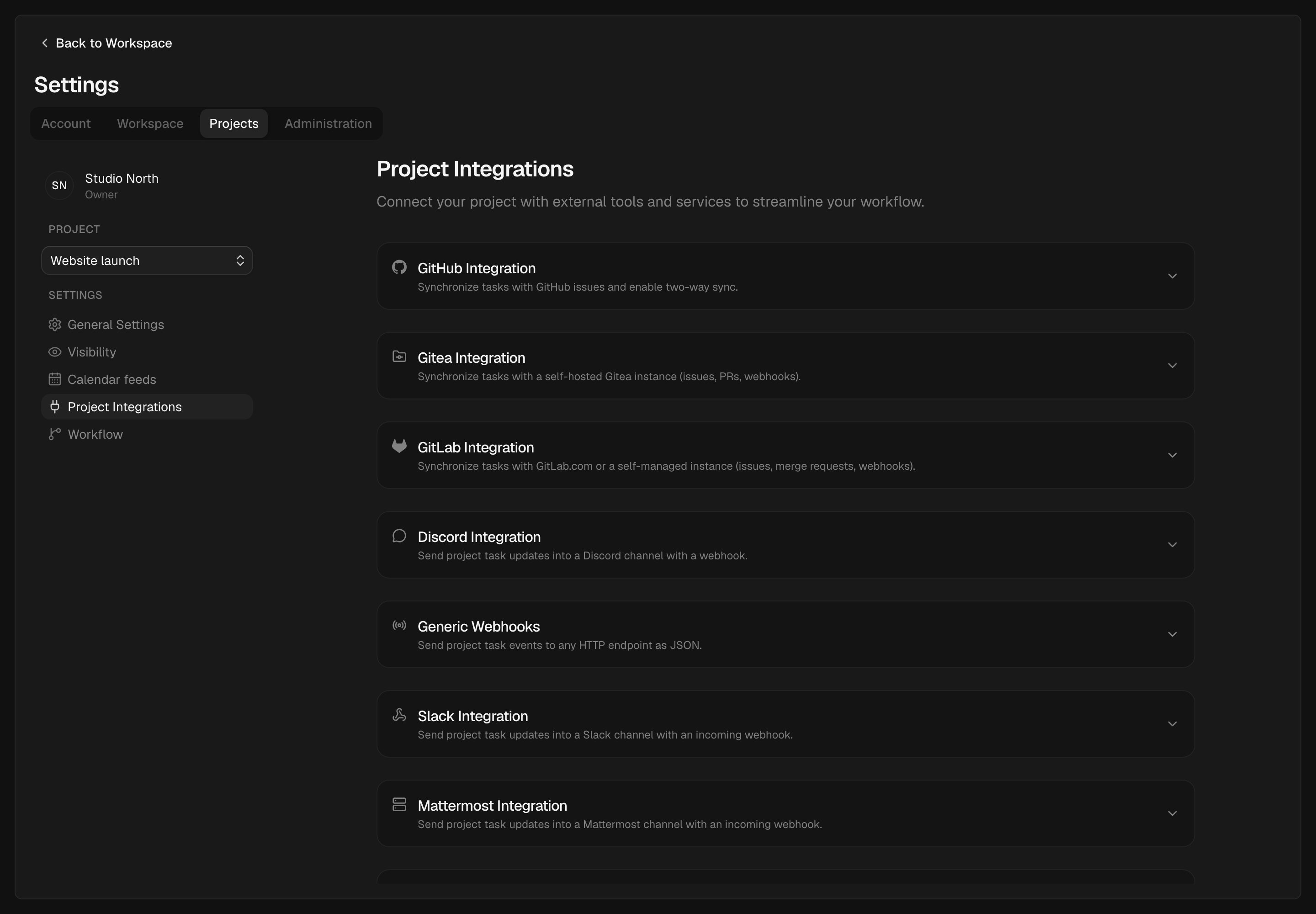
Project integrations live together in Settings. Expand a service to configure its connection.
Personal notifications
Receive updates meant for you, such as assignments, mentions, and due-date reminders. Connect these under Settings → Account → Notifications, then choose the workspaces and projects that can send them.ntfy
Publish your notifications to an ntfy topic.
Gotify
Receive notifications through your Gotify server.
Send updates to your account email. Self-hosted instances need SMTP.
Personal webhook
Forward your own notifications to an HTTP endpoint.
Automation and AI assistants
Project webhooks
Send selected project events to your service as signed JSON requests.
MCP
Let an MCP client work with your Kaneo tasks and projects.
REST API
Create tasks, query projects, or build a connection to another service.